
 Deutsch ⯆
Wie kopiert man eine Datei auf dem SFTP-Server, die gerade hochgeladen oder heruntergeladen wurde?
Wenn Sie eine Datei nach einem erfolgreichen Upload- oder Download-Vorgang in einen anderen Ordner auf dem SFTP-Server kopieren möchten, sollten Sie einen Post-Transfer-Trigger verwenden.
Ein Post-Transfer-Trigger wird nach einer erfolgreichen Dateiübertragung zwischen dem Remote-Server und dem lokalen Computer ausgeführt und ermöglicht die Ausführung beliebiger Shell-Befehlsfolgen oder eines Shell-Skripts. Als Parameter können Sie integrierte FTPGetter-Variablen verwenden, wie beispielsweise die %remote_file%-Variable, welche den vollständigen Pfad der übertragenen Datei auf dem SFTP-Server repräsentiert, datumsbezogene Variablen und weitere.
Wichtiger Hinweis! Um Shell-Befehle auf dem SFTP-Server auszuführen, muss Ihr Benutzerkonto über Shell-Zugriffsrechte verfügen. Es ist sehr einfach zu überprüfen, ob Sie diese Rechte besitzen — Sie sollten in der Lage sein, Befehle auf dem SFTP-Server im Terminal auszuführen. Falls Ihr Konto auf dem SFTP-Server nicht über solche Rechte verfügt, wenden Sie sich an den Administrator des SFTP-Servers, um diese Berechtigung anzufordern!
Beispiel #1: Die übertragene Datei in einen anderen Ordner auf dem SFTP-Server kopieren.
Um diese Operation auszuführen, fügen Sie den folgenden Befehl in das Textfeld des Shell-Skripts ein.
cp %remote_file% /path-to-copy-folder/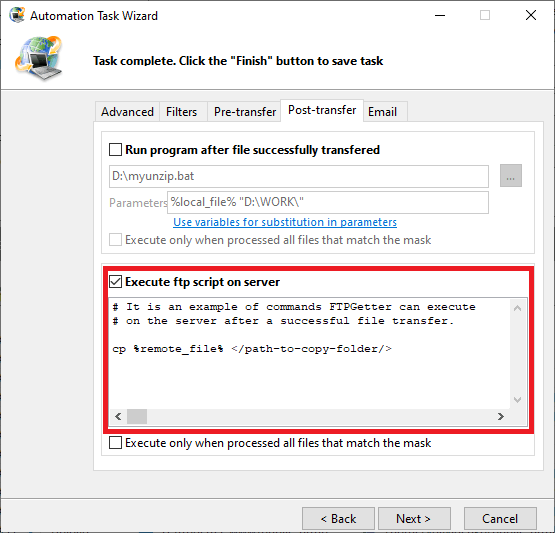
So funktioniert es: Nach einer erfolgreichen Dateiübertragung führt FTPGetter den Shell-Befehl cp mit zwei Parametern aus. Der erste Parameter ist die Variable %remote_file%, die den vollständigen Pfad der kürzlich übertragenen Datei (auf dem SFTP-Server) enthält. Der zweite Parameter ist der Pfad zu dem Ordner, in den die Datei kopiert werden soll.
Nachfolgend finden Sie Beispiele für verschiedene Shell-Befehle zum Kopieren von Dateien:
Beispiel #2: Eine Datei mit einem neuen Namen kopieren. Das aktuelle Datum zum Dateinamen hinzufügen
cp %remote_file% /path-to-copy-folder/%remote_file_name_only%_%c_yyyy%_%c_mm%_%c_dd%.%remote_file_name_ext%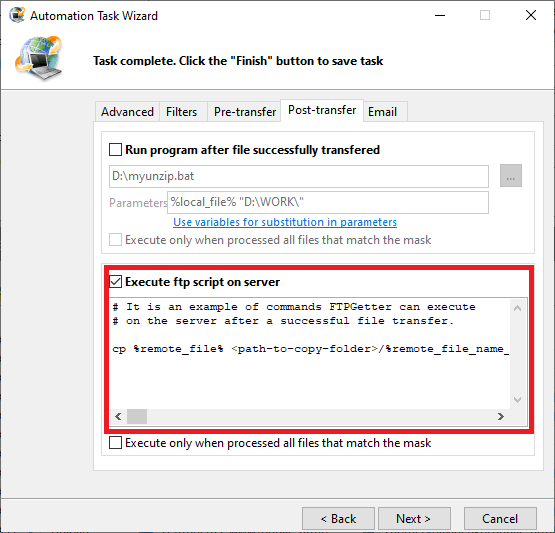
Beispiel #3: Eine Datei mit einer neuen Erweiterung kopieren. Die Erweiterung .done hinzufügen
cp %remote_file% /path-to-copy-folder/%remote_file_name%.done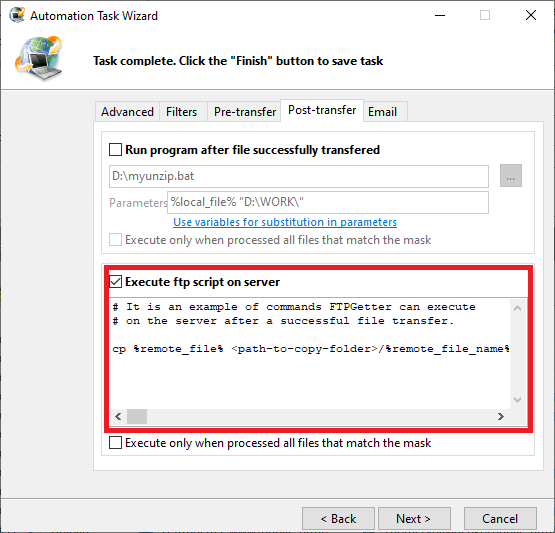
Beispiel #4: Eine Datei in einen Unterordner kopieren, der das aktuelle Datum repräsentiert
cp %remote_file% /path-to-copy-folder/%c_yyyy%-%c_mm%-%c_dd%/%remote_file_name%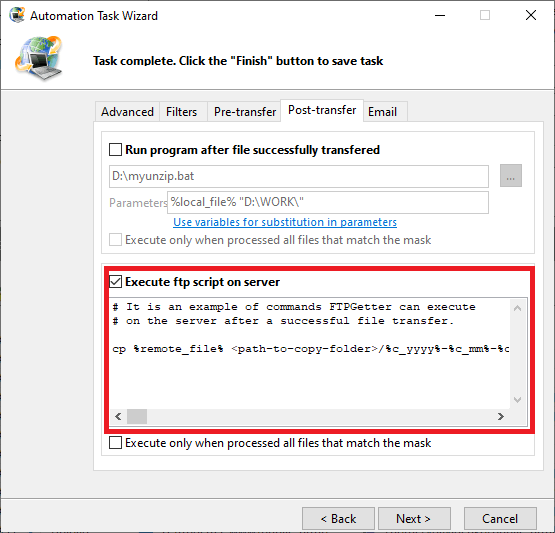
Als Nächstes betrachten wir, wie man eine kürzlich übertragene Datei auf dem SFTP-Server umbenennen oder verschieben sowie entpacken kann.
Müssen Sie nach der Übertragung eine Datei auf dem lokalen Computer kopieren?